
Calibration management software has become the backbone of any laboratory or quality operation that takes measurement seriously. It replaces the spreadsheets, paper certificates, and calendar reminders that quietly let instruments drift out of tolerance and turn audits into fire drills. But the market is crowded, feature lists look alike, and the wrong choice is expensive to unwind after you have migrated years of records into it.
This buyer’s guide cuts through the noise. It explains what calibration management software actually does, the features that separate a real system from a glorified spreadsheet, the compliance requirements it must satisfy, how deployment and pricing models compare, and the exact questions to ask every vendor before you commit.
| What is calibration management software?
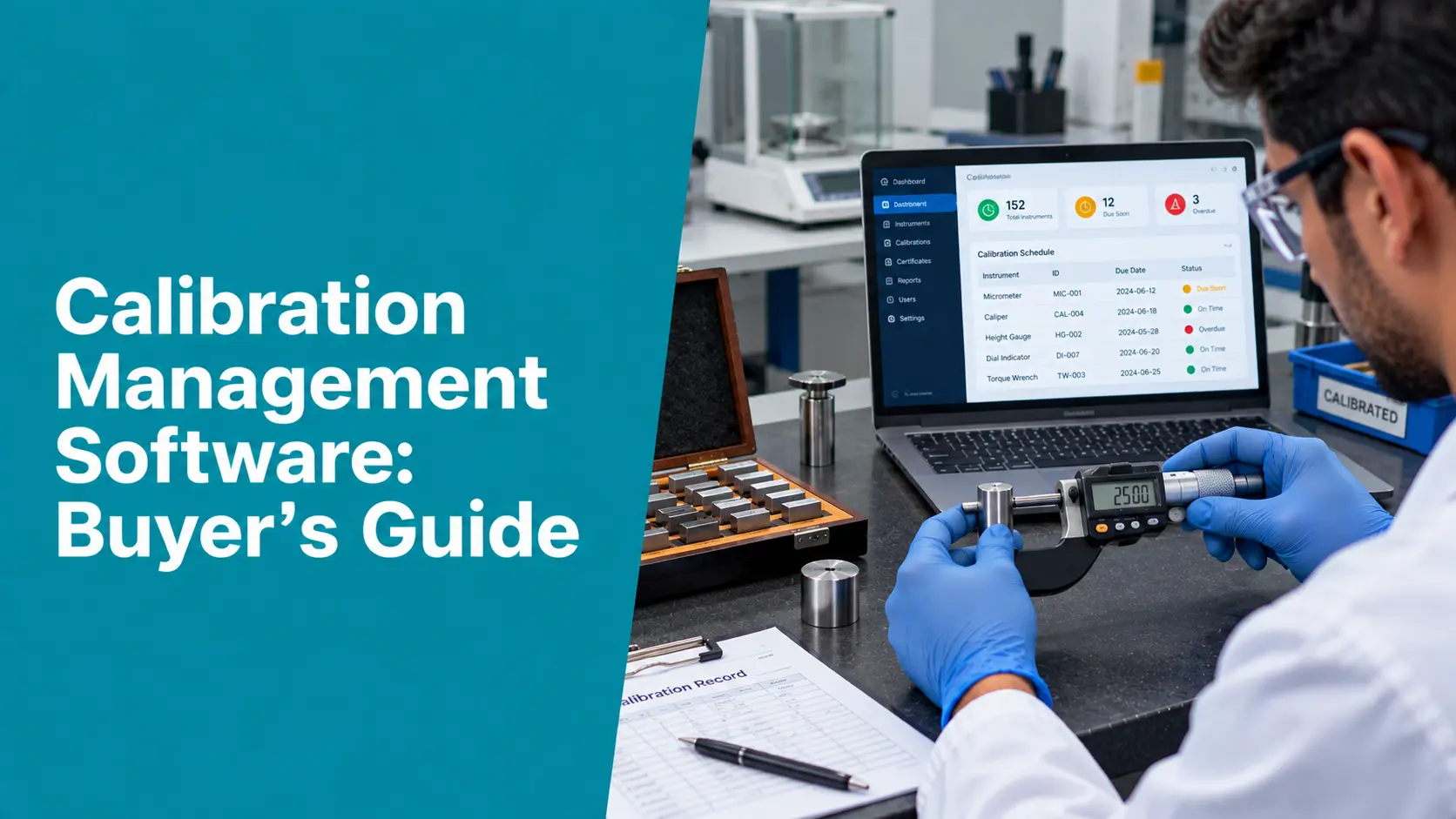
Calibration management software is a system that plans, records, and controls the calibration of measuring instruments across their lifecycle. Instead of manual logs, it maintains a central register of every instrument, schedules calibrations and warns you before they fall due, stores as-found and as-left results, generates certificates, and preserves the traceability and audit trail regulators and accreditation bodies expect. |
Calibration Management Software: Complete Guide
Signs You’ve Outgrown Spreadsheets
Most organizations don’t look for calibration management software until manual tracking starts costing them. The common triggers:
- Missed calibrations: Instruments get used past their due date because someone missed a reminder, putting product quality and audit status at risk.
- Painful audits: Preparing for an ISO/IEC 17025 or regulatory audit swallows days or weeks of manual record compilation.
- No reverse traceability: When an instrument is found out of tolerance, no one can quickly identify which measurements or products it affected since its last good calibration.
- Inconsistent records: Certificates are formatted by hand, so content and uncertainty statements vary from technician to technician.
- Data silos: Each site keeps its own spreadsheet, so leadership has no single, current view of calibration status.
Core Features to Look For in Calibration Management Software
The heart of any evaluation is the feature set. A capable platform should cover all of the following — treat anything missing as a gap you will have to work around:
| Feature | Why it matters |
| Instrument register | A single source of truth for every asset, its location, owner, and calibration status. |
| Scheduling & due alerts | Automatic recall and escalation so no instrument is ever used past its interval. |
| As-found / as-left capture | Preserves the pre-adjustment condition that proves whether past measurements were valid. |
| Certificate generation | Produces consistent, traceable certificates from the record, not retyped by hand. |
| Reverse traceability | Instantly links a failed instrument to the products and measurements it touched. |
| Measurement uncertainty | Records and reports uncertainty as ISO/IEC 17025 and good metrology require. |
| Out-of-tolerance workflow | Routes OOT events through review, impact assessment, and corrective action. |
| Audit trail & e-signatures | Tamper-evident history of who did what and when, for 21 CFR Part 11 users. |
| Dashboards & reporting | Live status, overdue counts, and KPIs across instruments and sites. |
| Multi-site / multi-tenant | One system spanning locations, with role-based access and central oversight. |
Compliance and Data Integrity
For regulated and accredited organizations, compliance is not a feature — it is the reason the software exists. Confirm how a platform supports each of these before shortlisting it:
- 21 CFR Part 11: electronic records and signatures, audit trails, and access controls for pharmaceutical and other FDA-regulated users.
- ISO/IEC 17025: the workflow an accredited calibration laboratory needs — traceability, uncertainty, and compliant certificate formats.
- NABL: in India, alignment with National Accreditation Board (NABL) expectations built on ISO/IEC 17025.
- ALCOA+ data integrity: data that is Attributable, Legible, Contemporaneous, Original, Accurate, and complete, consistent, enduring, and available.
Deployment: Cloud (SaaS) vs. On-Premise
How the software is hosted shapes cost, IT burden, and how quickly you can roll it out across sites.
| Factor | Cloud / SaaS | On-Premise |
| Upfront cost | Low — subscription-based | High — licenses and servers |
| IT burden | Vendor-managed updates and backups | Your team maintains it |
| Access | Anywhere, any site, mobile | Typically on the local network |
| Scalability | Add sites and users on demand | Requires provisioning |
| Best fit | Multi-site and lean IT teams | Strict data-residency mandates |
For most laboratories and manufacturers, cloud-based calibration management software wins on deployment speed and total cost of ownership, while some highly regulated sites still prefer on-premises for data-residency reasons. A vendor that offers both gives you room to change your mind.
Integration and IoT: The Modern Differentiator
The best calibration management software no longer lives in isolation. It connects to the systems and instruments around it: ERP and asset systems for a shared equipment master, LIMS and QMS for quality workflows, and — increasingly — IoT sensors for real-time monitoring of the environmental and process conditions that affect measurement. Automated data capture from connected instruments reduces transcription error, and AI-assisted report generation turns raw calibration data into review-ready documents. When comparing platforms, weigh not just today’s features but how openly the system integrates with the rest of your stack.
Implementation and Change Management
A powerful platform can still fail if it’s badly rolled out. Plan for the parts that vendors sometimes gloss over:
- Data migration: migrating your existing instrument register and calibration history cleanly, without losing traceability.
- Software validation: validating the system for regulated use, with documented installation and operational verification.
- Adoption: training technicians and reviewers, and appointing an internal owner for the system.
How Calibration Management Software Is Priced
Pricing models vary, so compare like-for-like. Cloud platforms are typically billed as an annual or monthly subscription, sometimes per user, per instrument, or per site; on-premise systems usually carry a larger upfront license plus annual maintenance. Look past the headline number to the total cost of ownership: implementation, data migration, validation, training, support tiers, and the cost of adding sites or users later. The cheapest license can become the most expensive system once you factor those in.
Questions to Ask Every Vendor
- Compliance: Does it fully support ISO/IEC 17025, 21 CFR Part 11, and ALCOA+ — and can you show me how, not just claim it?
- Traceability: How does the system handle reverse traceability when an instrument is found out of tolerance?
- Records: Can it capture as-found and as-left data and automatically generate compliant certificates?
- Migration: What does data migration from our current spreadsheets or system involve, and who does it?
- Integration: Does it integrate with our ERP, LIMS, QMS, or IoT sensors, and how open are those interfaces?
- Pricing: What is the true total cost of ownership over three years, including implementation and support?
- Domain fit: Is the vendor experienced in our specific industry and accreditation regime?
How Zeptac Helps
Zeptac’s CalTac is calibration management software purpose-built for the Testing, Inspection, Calibration, Certification, and Validation industry — not a generic asset tool stretched to fit. Measured against the criteria above:
- Core features: a central instrument register with automated scheduling, as-found/as-left capture, uncertainty, reverse traceability, and automatic certificate generation.
- Compliance built in: workflows aligned to ISO/IEC 17025 and NABL, with 21 CFR Part 11 electronic records, audit trails, and ALCOA+ data integrity.
- Modern architecture: a cloud, multi-tenant platform that connects to IoT sensors for real-time monitoring and uses AI to speed report generation.
- Connected suite: part of a broader Zeptac ecosystem spanning testing (TestTac), validation (ValTac), and IoT — so calibration data does not sit in a silo.
The result is a system that satisfies the buyer’s checklist rather than forcing you to compromise on it.
The Business Impact
Chosen well, calibration management software pays back in ways that reach beyond the lab: fewer instruments used past due, audits that take hours instead of weeks, faster containment when something is out of tolerance, and a single, current view of compliance across every site. The return is measured in avoided risk and recovered time as much as in direct cost — the difference between calibration as a scramble and calibration as a controlled, defensible process.
Conclusion
Choosing calibration management software is a decision you live with for years, so judge it on substance, not demos. Insist on core metrology features, verify compliance claims, weigh cloud against on-premises for your situation, calculate the true total cost of ownership, and ask every vendor the hard questions. Get those right, and the software becomes what it should be: a quiet, reliable engine that keeps every instrument traceable, every record audit-ready, and every measurement defensible.
| See calibration management software built for your industry
Looking to digitize your calibration, testing, or validation processes? Zeptac’s CalTac platform automates scheduling, traceability, certificates, and compliance so your laboratory stays inspection-ready. Contact our team today to schedule a free demo. |
Frequently Asked Questions for Buyer’s Guide to Calibration Management Software
Q1. What is calibration management software?
Answer: It is a system that plans, records, and controls the calibration of measuring instruments across their lifecycle. It maintains an instrument register, schedules calibrations, stores as-found and as-left results, generates certificates, and preserves traceability and an audit trail — replacing spreadsheets and paper.
Q2. Who needs calibration management software?
Answer: Calibration laboratories, testing labs, pharmaceutical and manufacturing sites, and any quality operation with instruments that must stay traceable and audit-ready. The trigger is usually missed due dates, painful audits, or multi-site data that no longer fits in spreadsheets.
Q3. What features matter most when choosing calibration management software?
Answer: An instrument register, automated scheduling with alerts, as-found/as-left capture, reverse traceability, measurement uncertainty, an out-of-tolerance workflow, automatic certificate generation, audit trails with electronic signatures, and dashboards. For regulated users, support for 21 CFR Part 11 and ISO/IEC 17025 is essential.
Q4. Is cloud or on-premise calibration management software better?
Answer: Cloud (SaaS) usually wins on lower upfront cost, vendor-managed maintenance, multi-site access, and speed of deployment. On-premise can suit sites with strict data-residency mandates. A vendor offering both leaves your options open.
Q5. How does calibration management software support 21 CFR Part 11 and ISO 17025?
Answer: Through electronic records and signatures, tamper-evident audit trails, and access controls for 21 CFR Part 11, and through traceability, measurement uncertainty, and compliant certificate formats for ISO/IEC 17025. Ask vendors to demonstrate these, not just list them.
Q6. How is calibration management software priced?
Answer: Commonly as a subscription for cloud platforms — sometimes per user, instrument, or site — or as an upfront license plus maintenance for on-premises. Compare total cost of ownership, including implementation, migration, validation, training, and support, rather than the headline price.
Q7. How long does implementation take?
Answer: It depends on the number of instruments, sites, integrations, and whether the system must be validated for regulated use. Clean data migration and user training are usually the largest factors, so ask the vendor for a realistic timeline based on organizations like yours.