
Paperless manufacturing software replaces handwritten logbooks, printed checklists, and spreadsheet trackers with digital records captured at the point of work. The appeal is obvious: faster information, fewer transcription errors, and records you can find in seconds instead of hours. The risk is less obvious. A plant can go paperless and still fail an audit, because a digital record is not automatically a trustworthy one.
This guide explains what paperless manufacturing software does, which records to digitise first, and what the software must do for the records to stand up to an auditor, including the trap known as paper on glass.
| What is paperless manufacturing software?
Software that captures production, quality, maintenance and calibration data digitally at the source, replacing paper logbooks, forms and manual spreadsheets. Typical features: digital logbooks and forms, real-time machine data capture, alerts, role-based dashboards and automated reports. Going paperless does not by itself make records compliant. Regulators apply the same expectations to electronic and paper records, and electronic ones add audit-trail and access-control requirements. The best starting point is not the shop floor log that is easiest to replace, but the records auditors sample most often. |
Paperless Manufacturing Software: What to Digitise First, and What Makes It Audit-Proof
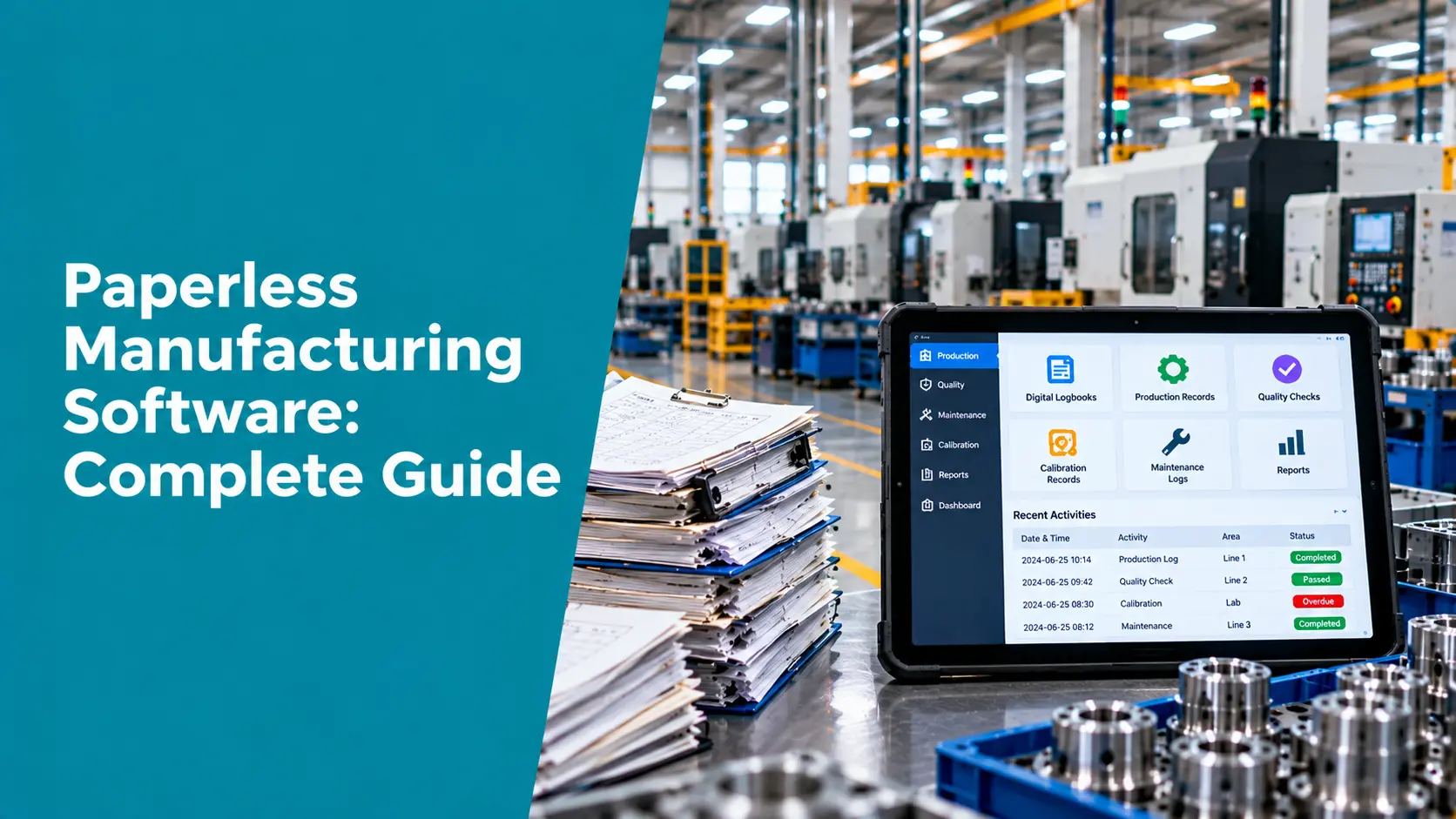
Why Paper-Based Shop Floors Struggle
| Dimension | Paper-based |
Paperless |
| Visibility | Problems surface in weekly or monthly reviews | Status and exceptions visible as they happen |
| Data accuracy | Handwriting, rounding, and later transcription errors | Structured entry with validation at the point of work |
| Audit retrieval | Manual file searches across binders | Search by batch, instrument, date or person in seconds |
| Collaboration | Information moves by hand and by email | One shared record across shifts and departments |
| Escalation | Depends on someone noticing and telling someone | Rule-based alerts to the right person |
| Sustainability | Printing, storage and disposal of large volumes | Far less paper to print, store and dispose of |
Core Features of Paperless Manufacturing Software
- Digital logbooks and forms: Standardised, timestamped entries with batch or lot tagging, replacing illegible and incomplete handwritten pages.
- Real-time data capture: Direct machine connections remove the need for operators to log counts, run times and stoppages by hand.
- Alerts and escalation: Notifications by SMS, WhatsApp or email when a machine stops, a threshold is crossed or a check is overdue.
- Role-based dashboards: Operators see targets and inputs, supervisors see line status, managers see plant KPIs.
- Automated reports: Shift summaries, downtime and rejection analysis generated without manual compilation.
The Paper-on-Glass Trap
| Digital is not the same as paperless
Paper on glass means putting scanned paper forms on a screen without changing how the data is captured. The data is still free-text or file-based, entered by hand, with little validation and weak version control. It looks modern and feels compliant, but it carries the same errors as paper and can add new risks: records that can be edited without a trace, unclear authorship, and no structured data to analyse. |
The test is simple. Can the system reject an incomplete or out-of-range entry, show who changed a record and when, and let you analyse the data without re-typing it? If not, it is a scanner with a screen.
What to Digitise First
Start with the records that carry the highest audit exposure and the highest cost of error, not the easiest forms to convert.
| Record type |
Why digitise early |
| Calibration records and certificates | Auditors routinely ask for one and check traceability, interval, and result at a glance. Overdue instruments are an easy finding. |
| Inspection and test results | Core evidence of product conformity; transcription errors here become quality escapes. |
| Equipment and maintenance logs | Needed to show equipment was fit for use when product was made. |
| Nonconformance and CAPA records | Closed-loop evidence that problems are investigated and verified. |
| Batch, shift and production records | Traceability and the basis for OEE and downtime analysis. |
| Training and competence records | Evidence that people were qualified for the task they performed. |
Compliance and Regulatory Considerations
Regulators do not treat electronic records more leniently than paper ones. The FDA’s data integrity guidance states that record retention and review requirements do not differ depending on data format, so paper-based and electronic systems face the same expectations. It also defines integrity through the ALCOA attributes: data should be attributable, legible, contemporaneously recorded, original or a true copy, and accurate.
| Expectation | What the software must do |
| Attributable | Tie every entry to an individual, using unique logins and, where required, electronic signatures |
| Contemporaneous | Capture data at the time of the activity, with a system-generated timestamp, not later transcription |
| Original and accurate | Preserve the original entry and validate inputs; changes must not overwrite history |
| Audit trail | Keep a secure, computer-generated, time-stamped record of creation, modification, and deletion that supports reconstruction of events |
| Access control | Restrict who can create, change, or approve records |
| Validated system | Show that the software itself does what it claims, using a risk-based validation approach |
These map to 21 CFR Part 11 and EU GMP Annex 11 for regulated life-science manufacturers. For quality systems more broadly, ISO 9001 clause 7.5.3 requires documented information to be controlled, including protection from loss of integrity, access and retrieval, change control and retention, and it does not require paper. ISO 13485 clause 4.2.5 sets similar record-control expectations for medical devices.
Best Practices for Going Paperless
- Prioritise by audit exposure. Digitise calibration, inspection and nonconformance records before convenience forms.
- Design forms to prevent errors. Use mandatory fields, dropdowns and range checks so an incomplete record cannot be saved. This is poka-yoke applied to data.
- Validate the software. In regulated settings, document that the system is fit for intended use before relying on it for GxP or quality records.
- Plan legacy records. Decide how historical paper records will be retained, scanned, or linked, and keep them retrievable.
- Review audit trails. Set a risk-based frequency for reviewing changes to critical records, as you would review cross-outs on paper.
- Roll out in phases. One line or one record type first, then expand once people trust the system.
The Role of Digital Transformation, AI, and IoT
Paperless software becomes more valuable when it is connected. Machine data flows in automatically, so operators stop retyping numbers. Calibration and inspection records link to the products they affected, which makes traceability a query rather than an investigation. AI can then summarise shifts, flag unusual patterns, and draft reports from structured data, which is only possible when the data was captured in a structured form to begin with.
How Zeptac Helps
Zeptac approaches paperless manufacturing from the quality and compliance side, where the audit-sensitive records live.
- CalTac: Digital calibration records with schedules, certificates, as-found and as-left data, and traceability, replacing certificate binders and tracking sheets.
- TestTac: Structured test and inspection records with enforced fields, so incomplete entries are caught at the point of capture.
- ValTac: Manages validation activities for computerised systems, including the paperless software itself, in regulated environments.
- Real-time monitoring: Captures machine data automatically so shift and downtime records do not depend on manual logging.
- Audit readiness: Time-stamped, searchable records with audit trails designed to support ALCOA+ expectations, so retrieval during an audit takes minutes.
Real-World Use Case
A medical-device components maker kept calibration certificates in binders and tracked due dates on a spreadsheet. During a customer audit, finding the certificate for a single gauge and showing the as-found result took most of an hour, and two instruments turned out to be past due. The plant moved calibration and inspection records to a digital system first, with enforced fields and an audit trail, and left lower-risk shift logs for a later phase. The next audit request for a gauge’s history was answered on screen in under a minute.
Future Trends
- From digital forms to structured data: Less focus on replacing forms and more on capturing analysable data.
- AI-assisted review: Automated checks of records for gaps, anomalies, and audit-trail changes before a human reviewer sees them.
- Risk-based validation: Lighter, more focused validation approaches for software that touches quality records.
- Connected records: Calibration, inspection, and production data linked automatically for faster traceability.
Conclusion
Paperless manufacturing software is worth adopting, but the goal is trustworthy records rather than the absence of paper. Start with the records auditors ask for most, insist on structured entry, audit trails and access control, and validate the system where regulations require it. Do that and going paperless saves time every day and removes the scramble when an audit is announced.
| Digitise the records auditors actually ask for
Zeptac’s CalTac, TestTac and ValTac give laboratories and manufacturers structured, traceable, audit-ready records without the paper trail. Contact our team today to schedule a free demo → |
Frequently Asked Questions for Paperless Manufacturing Software
Q1. What is paperless manufacturing software?
Answer: It is software that captures production, quality, maintenance, and calibration data digitally at the source, replacing paper logbooks, forms, and manual spreadsheets with searchable, timestamped records.
Q2. What are the benefits of going paperless in manufacturing?
Answer: Faster visibility into problems, fewer transcription errors, quicker audit retrieval, better collaboration across shifts, and less paper to print and store.
Q3. Are electronic records as acceptable as paper records to auditors?
Answer: Yes, provided they meet the same integrity expectations. The FDA states that requirements for retention and review do not differ by format, and electronic systems add audit-trail and access-control expectations.
Q4. What is paper on glass?
Answer: Paper on glass is the practice of displaying scanned paper forms on a screen without changing how data is captured. It often lacks validation, structured data, and full audit trails, which can create a false sense of compliance.
Q5. What records should we digitise first?
Answer: Start with those auditors sample most and where errors cost most: calibration records, inspection and test results, equipment logs, and nonconformance and CAPA records.
Q6. Does paperless software need to be validated?
Answer: In regulated industries, yes. Under 21 CFR Part 11 and EU GMP Annex 11, computerised systems used for regulated records should be validated, typically using a risk-based approach.
Q7. Does ISO 9001 require paper records?
Answer: No. ISO 9001 requires documented information to be controlled, including protection, access, change control, and retention, but it does not specify the medium.